How to Log a Workout
Gym Vibes makes logging your workouts incredibly fast and frictionless. We focus on getting out of your way so you can focus on lifting. Follow this guide to go from opening the app to finishing your first session.
1. Start a New Session
When you open Gym Vibes and head to the Workouts tab, you’ll see your dashboard. You can tap Start Empty Workout to begin a fresh session immediately.
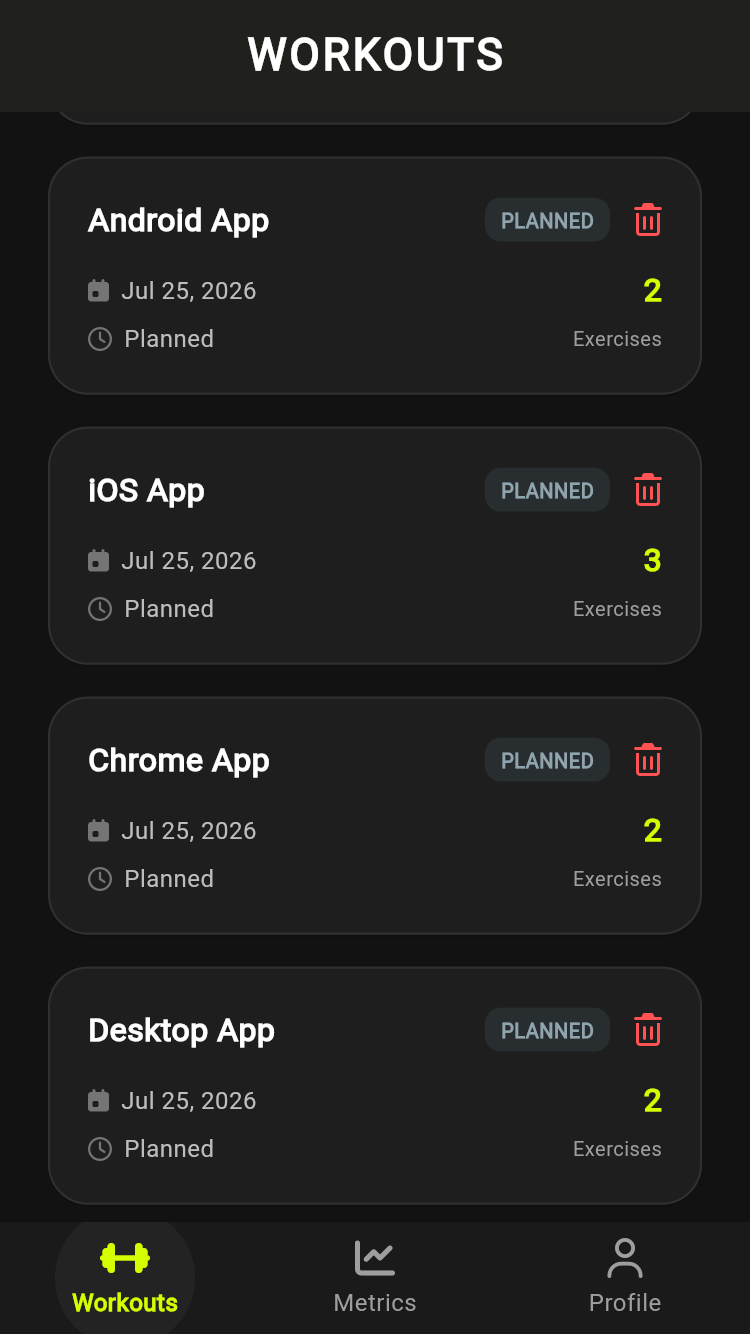
Tap 'Start Empty Workout'
2. Add Your Exercises
Once your workout has started, you’ll be brought to the active workout screen. Tap the bright green ADD EXERCISE button at the bottom of the screen to pull up the exercise search sheet.
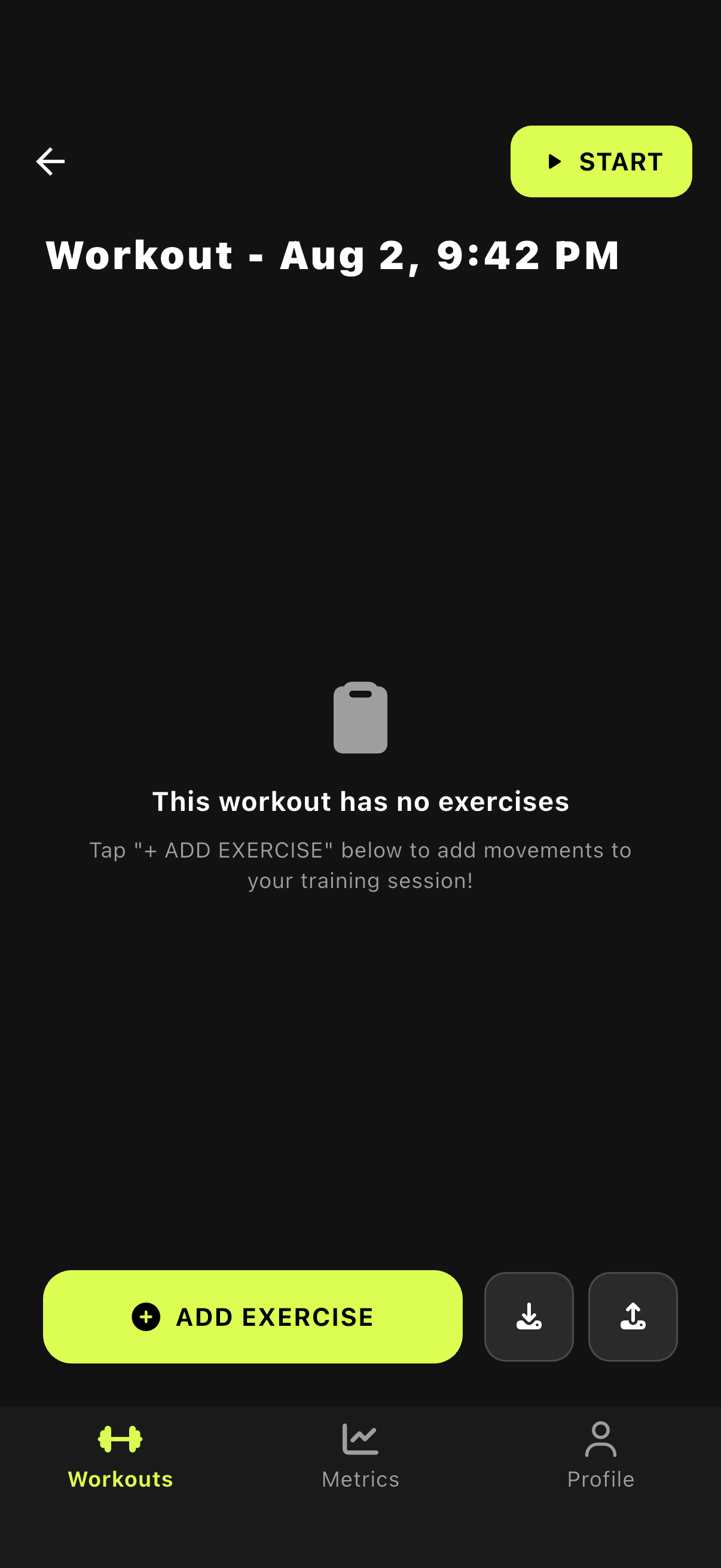
Tap Add Exercise
Select your exercise
You can search through our extensive database of exercises or filter by muscle group. Search knows the names lifters actually use, such as RDL, pec deck or skull crusher, forgives small typos, and works offline. Tap any exercise to add it to your current workout.
3. Log Your Sets
This is where the magic happens. Gym Vibes uses an innovative Scroll to Adjust mechanism to let you dial in your weight and reps without ever typing on a keyboard.
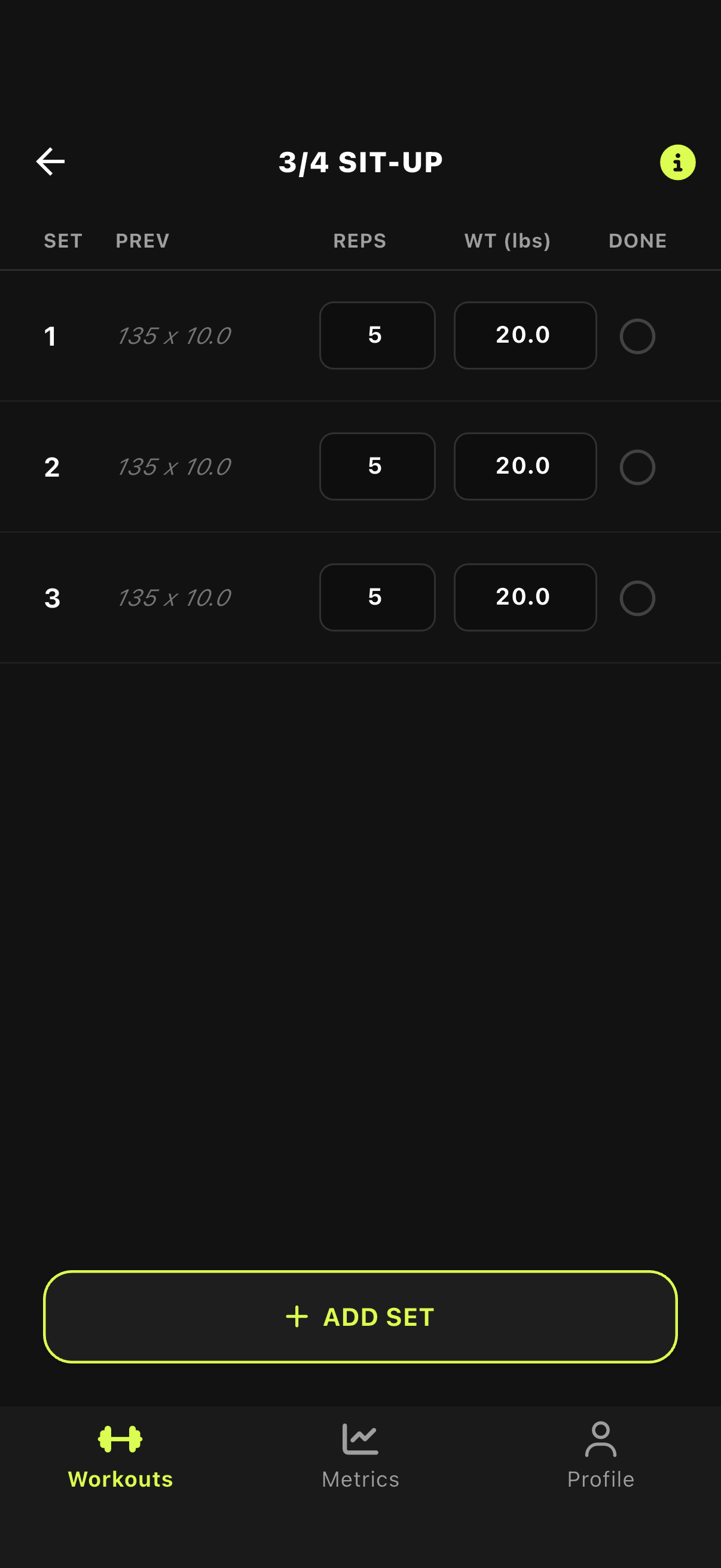
Scroll on the numbers
Tap checkmark to complete
- Adjust values: Simply swipe up or down on the Weight or Reps boxes to increment or decrement them.
- Complete the set: Tap the checkmark icon, or swipe the entire row to the right to mark the set as complete.
4. Finish and Save
Once you’ve crushed your workout and completed all your sets, simply tap the Finish Workout button (or back arrow depending on the state). Your workout will automatically sync to the cloud and your metrics will be updated immediately.
Training with a friend? Invite them into your workout so you both follow the same plan on your own phones. The Multiplayer Workouts guide shows how.