Scroll to Adjust
To make workout logging as frictionless as possible, Gym Vibes implements a unique Scroll to Adjust mechanism for all numerical inputs.
The Problem with Keyboards
Typing numbers during a workout is often clumsy. Your hands might be chalky or sweaty, and tapping tiny numbers on a digital keyboard can interrupt the flow of your session.
The Solution
Instead of forcing you to use the keyboard, Gym Vibes allows you to simply scroll up or down on the input fields to adjust the values.
How to Use It
- Tap and hold on any Weight or Reps input field.
- Swipe Up to increase the value.
- Swipe Down to decrease the value.
- The longer/faster you swipe, the faster the numbers increment, making it incredibly fast to adjust your working weight.
This feature mimics the tactile feel of rotating a physical dial, providing a premium, zero-friction experience that keeps you entirely focused on your training.
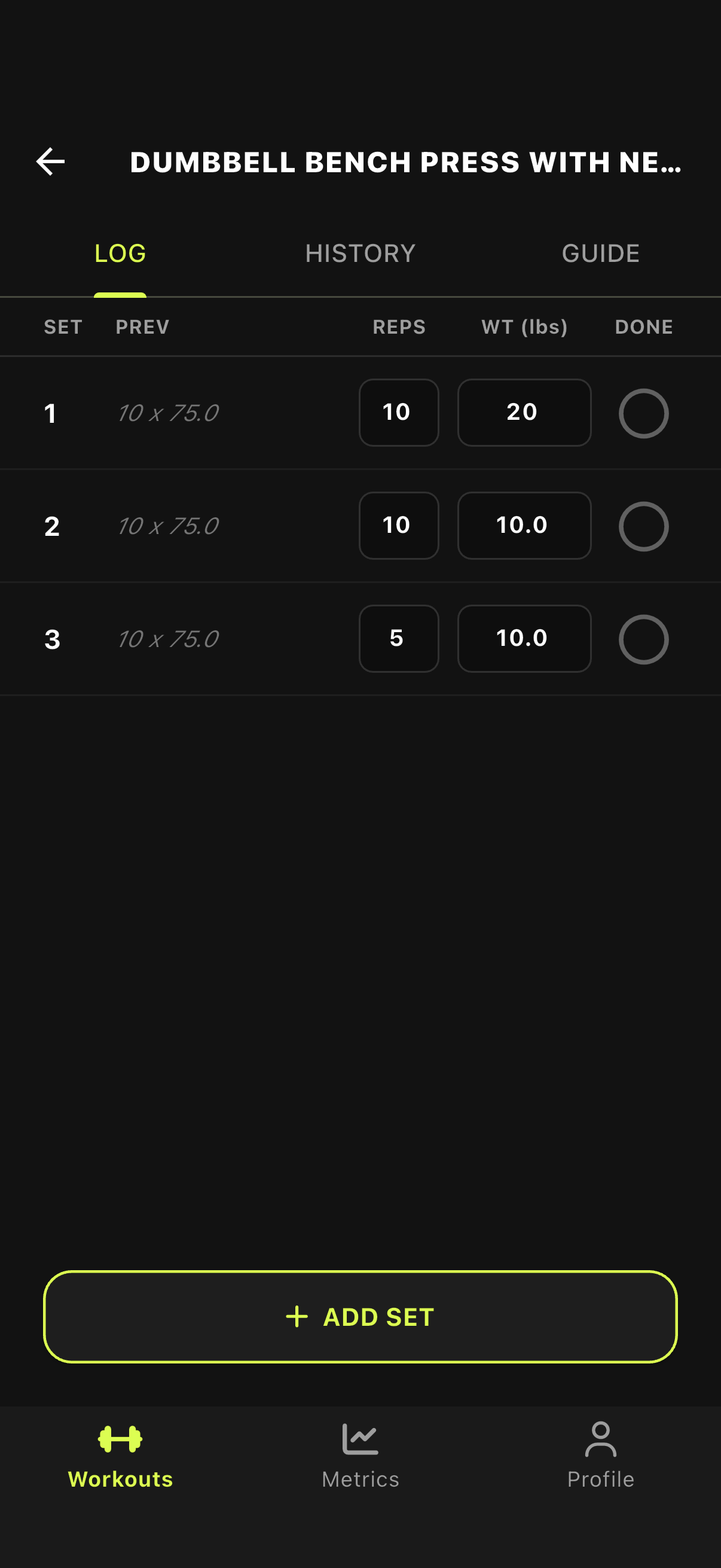
1. Scroll Up/Down on Weight
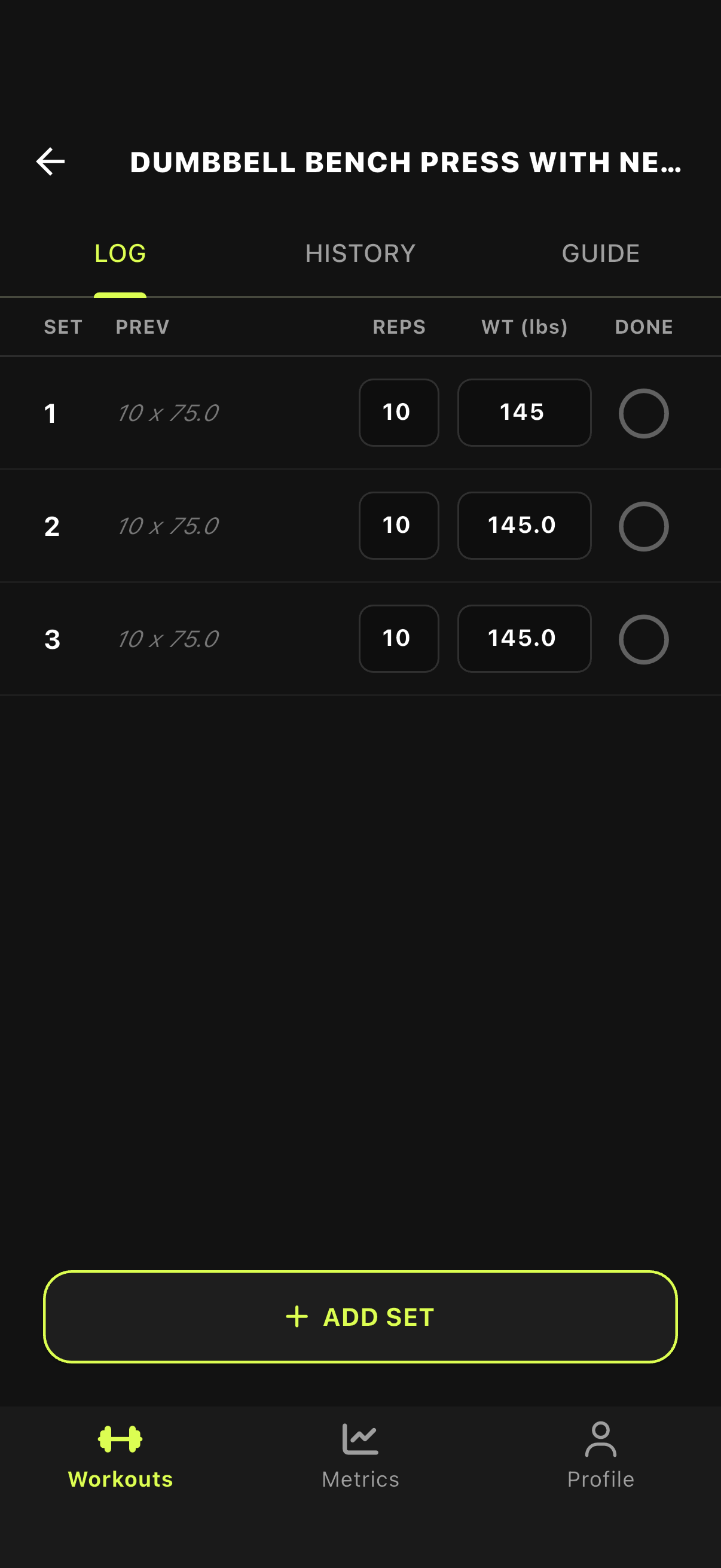
2. Weight Adjusts Instantly