Manage Your Profile
Your Gym Vibes profile is your command center for app settings, personal preferences, and account management.
1. Accessing Your Profile
Tap the Profile tab on the far right of the bottom navigation bar to open your settings.
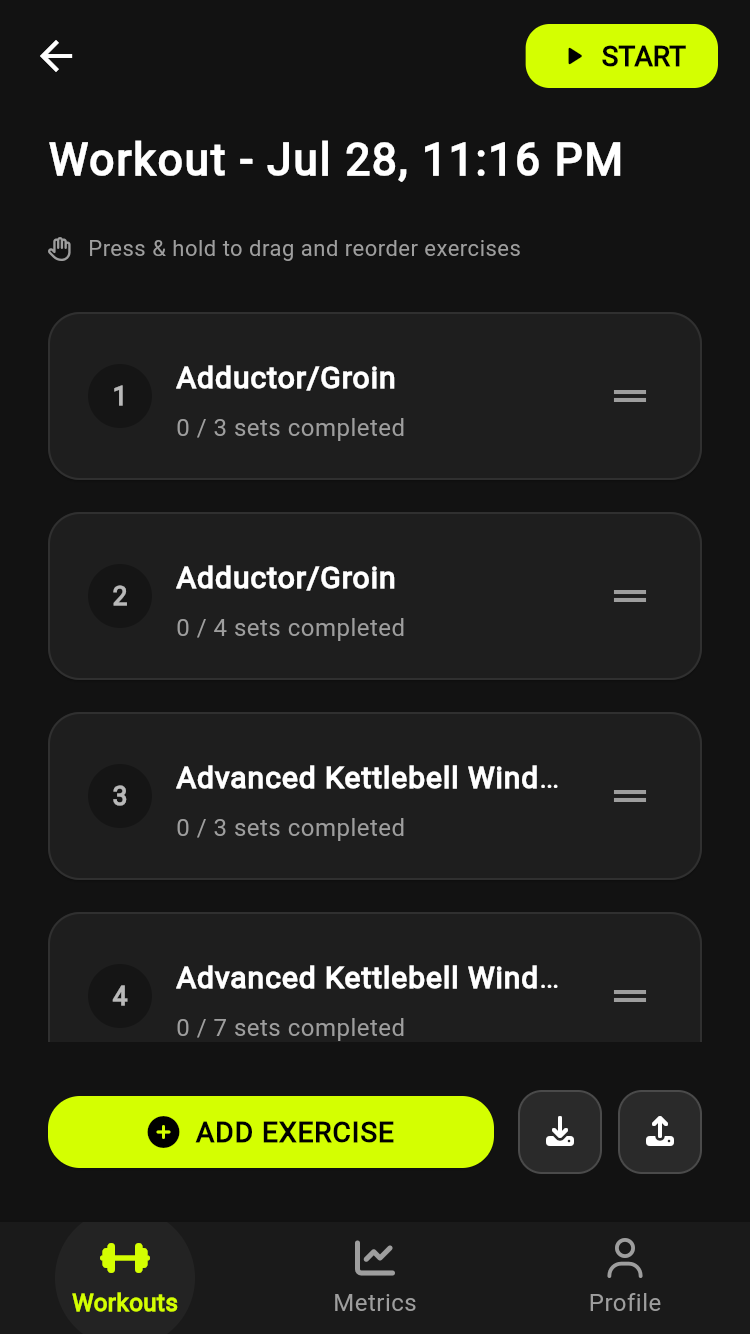
Tap the Profile tab
2. Profile Options
From this screen you can manage:
- Personal Information: Update your full name, username and profile photo.
- Details and Goals: Set your height, birth date, biological sex, activity level and target weight.
- Unit System: Switch between Imperial (lbs) and Metric (kg). Your history is shown in the units you choose.
- Your QR Code: Tap your profile card to show a code a friend can scan to invite you into their workout. See Multiplayer Workouts.
- Supporter Tier: See your tier and support Gym Vibes with an optional tip or subscription.
3. Your Data
We believe your data is yours. You can delete your account and all of its data from the Delete Account option at the bottom of this screen, or from the account deletion page if you no longer have the app. To get a copy of your data, email [email protected].