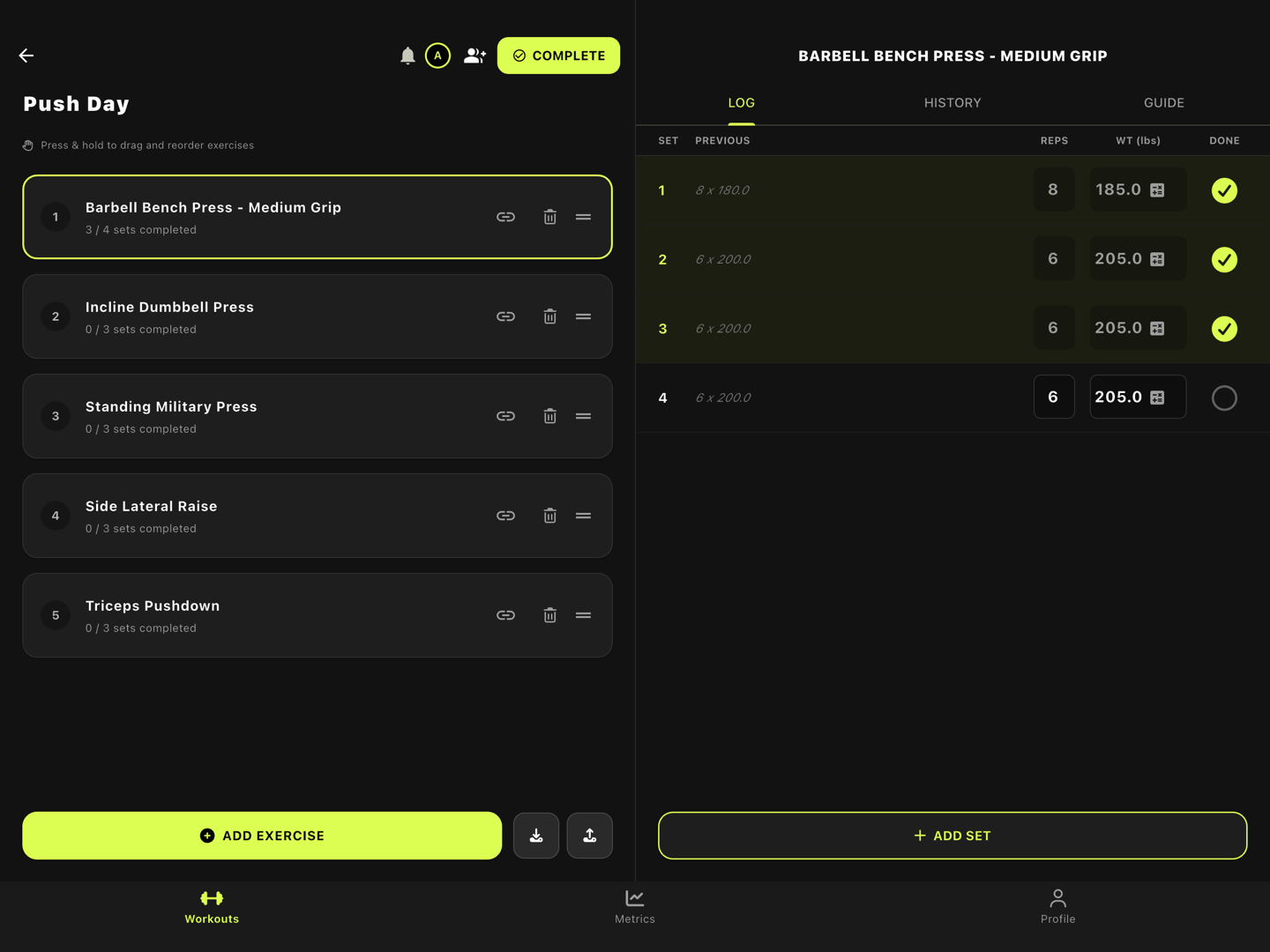
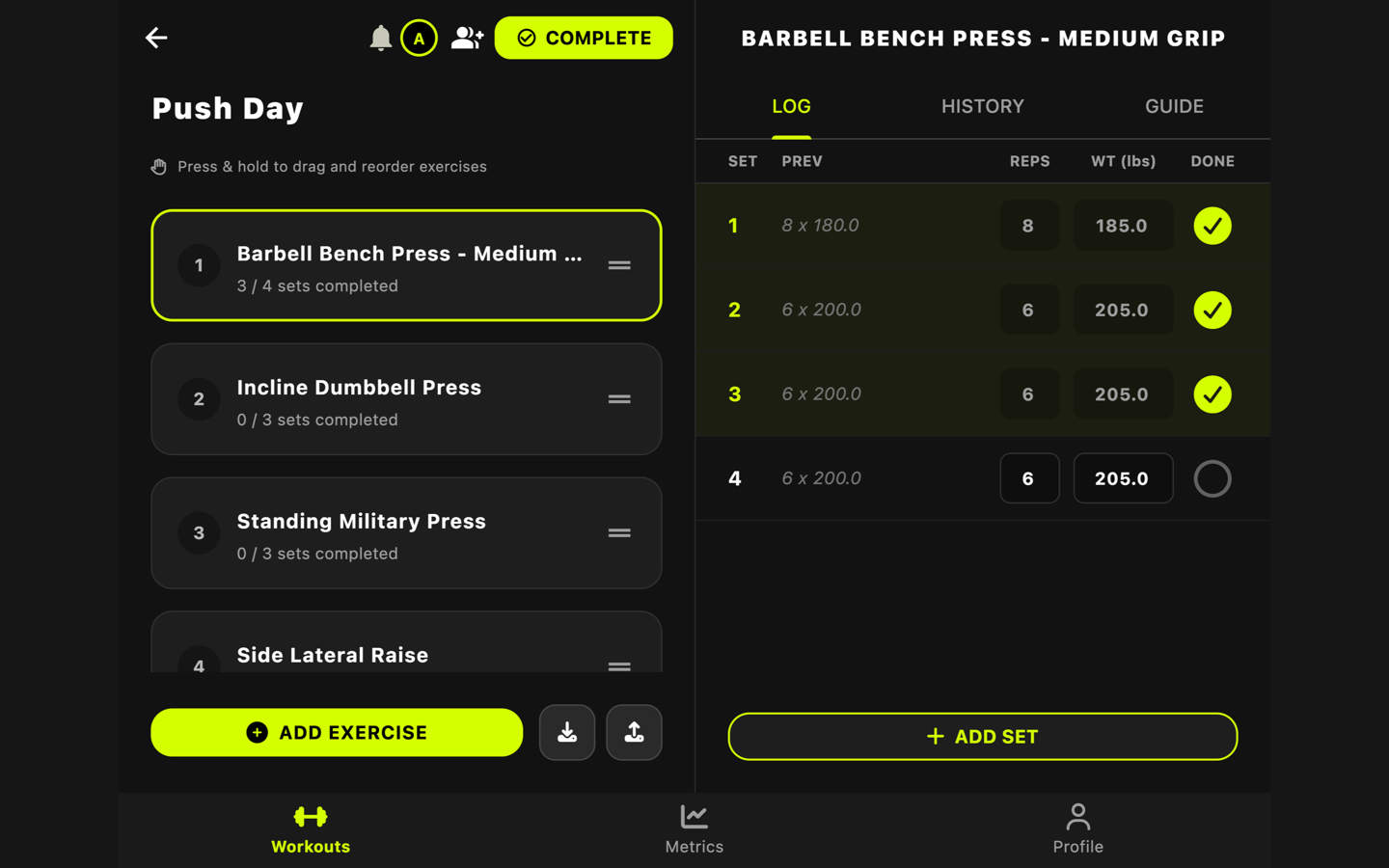
iPhone Duo and Large Screens
Gym Vibes is made for iPhone Duo. Unfold it mid-workout and your workout opens like a notebook: your exercises on the left page and the one you’re logging on the right, meeting on the crease. Fold it again and you carry on where you were, on the outer display.
New in Gym Vibes 0.9.1.
The Inner Display: Two Pages
Open a workout on the unfolded Duo and it fills both halves of the screen.
- The left page is your workout: the exercise list, ADD EXERCISE, and the workout’s controls.
- The right page is the exercise you’re logging, with its LOG, HISTORY and GUIDE tabs. It opens on the next exercise you haven’t finished.
- Tap an exercise on the left and it opens on the right, beside the list instead of over it. The open exercise has a lime outline.
- As you log sets on the right, the progress under each exercise on the left keeps up.
The pages meet exactly on the crease, so nothing you need runs across the fold. Workouts, Metrics and Profile sit in a rail down the right edge, under your right thumb.
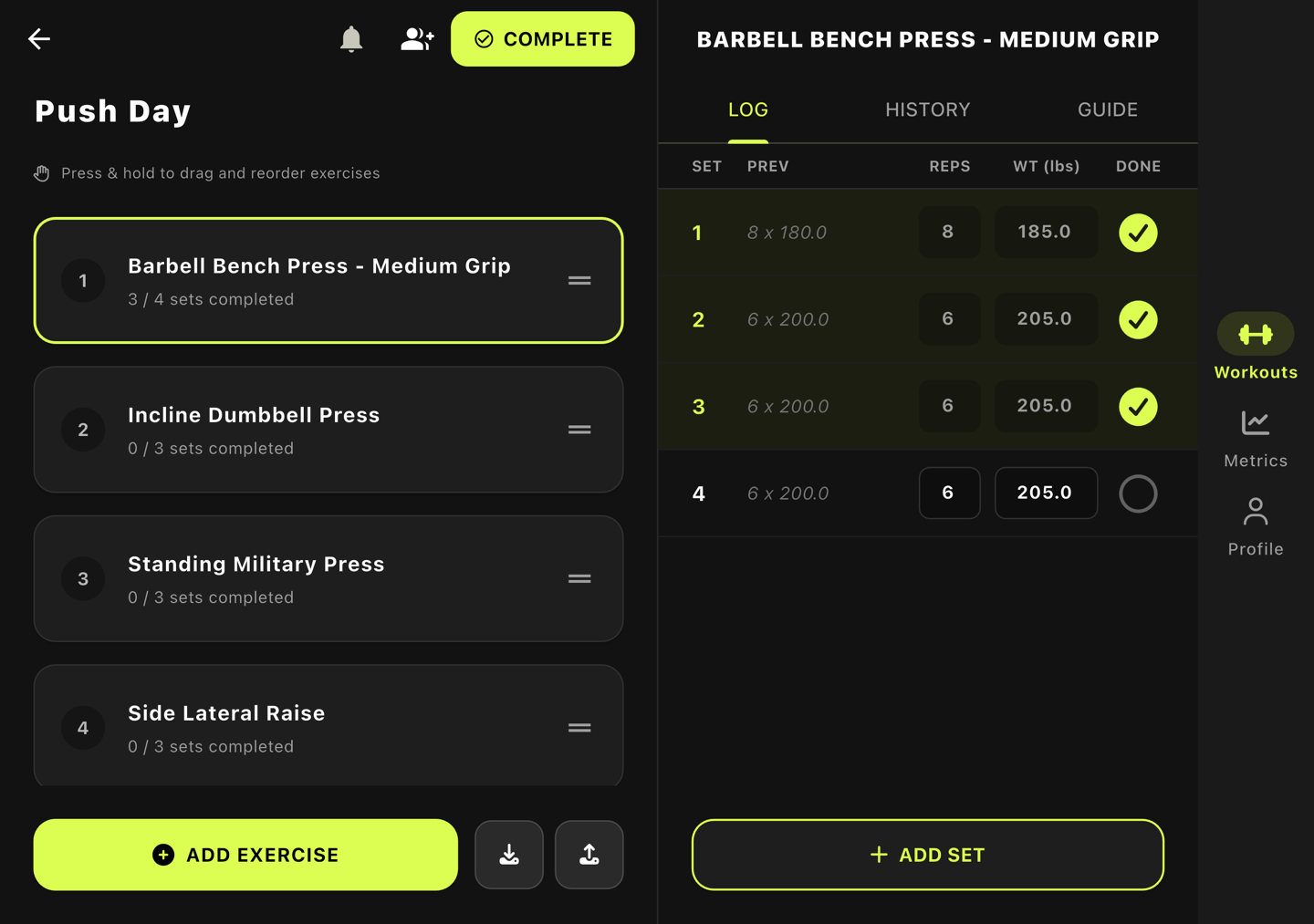
Turn the open phone upright and each screen gets the full height on one page, with the tabs still down the right edge.
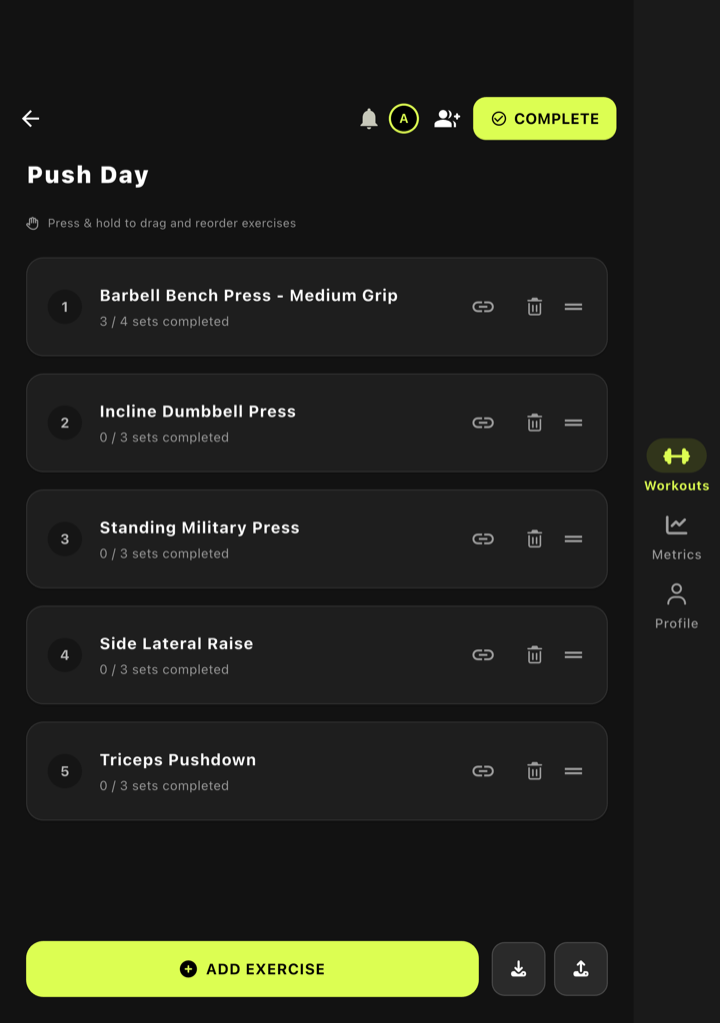
The Outer Display: Tabs in the Tray
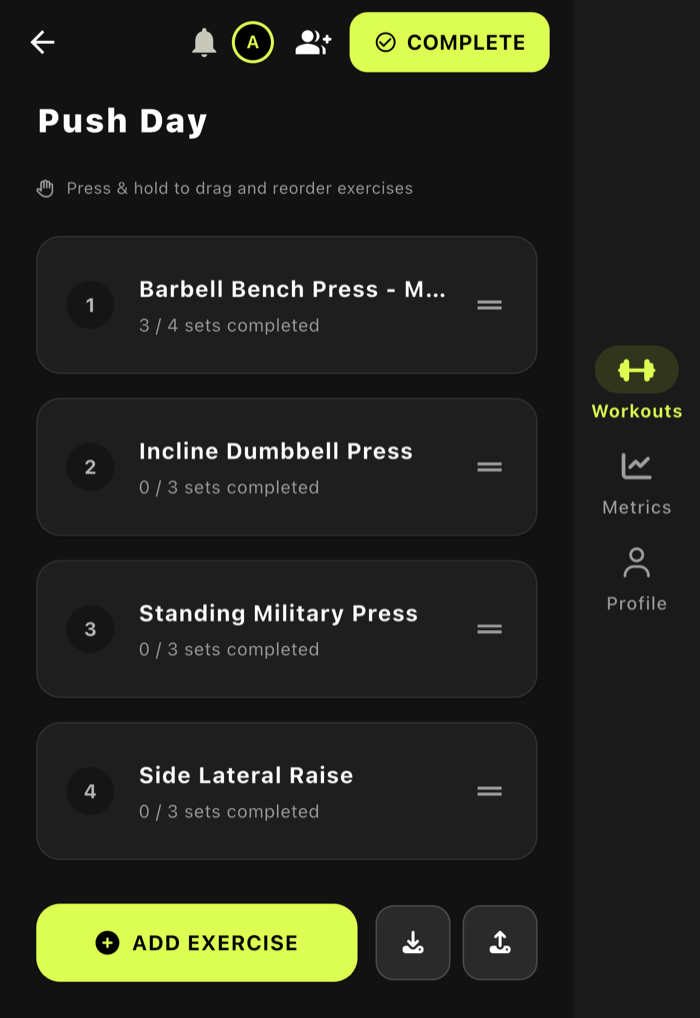
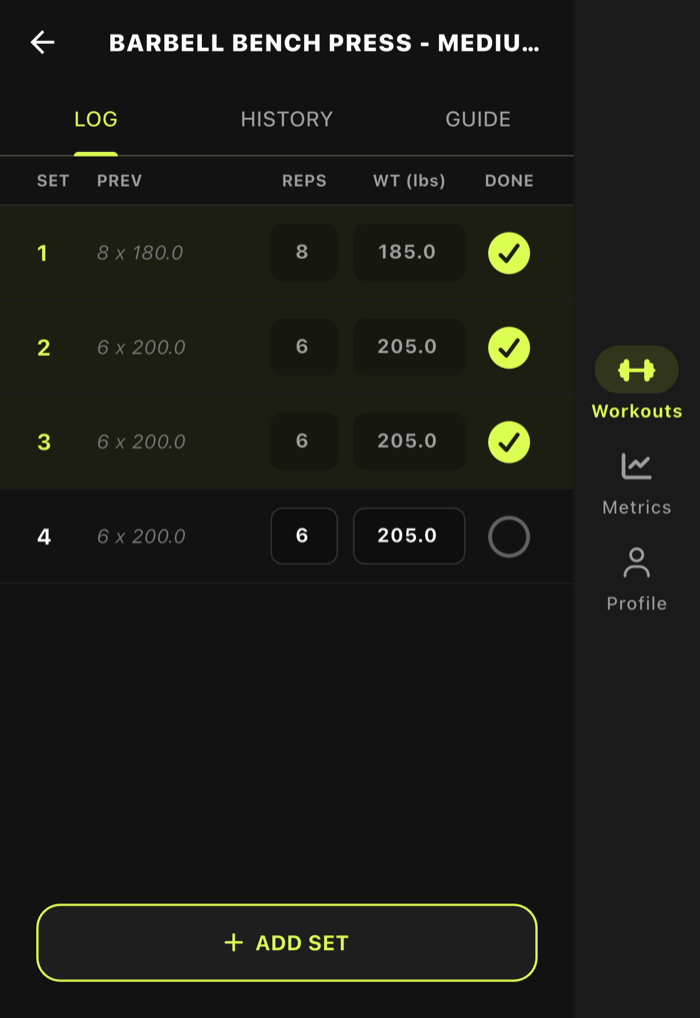
Folded, iPhone Duo keeps the status bar and every app’s bars in the tray down the right edge of the outer display. Gym Vibes puts its tabs there too, centred in the tray under your right thumb, and gives the rest of the screen to your workout.
Folding Mid-Set
You don’t lose your place when you open or close the phone.
- Close it while an exercise is open on the right page, and that exercise is waiting on the outer display, sets and all. Back takes you to the list.
- Open it while you’re logging an exercise on the outer display, and the list comes back on the left with that same exercise beside it.
iPad, Mac and the Web App
The same two-page workout appears on any screen wide enough for it: iPad held landscape (and the 13-inch iPad Pro either way), the Mac app, the web app in a wide browser window, and Android tablets and foldables. These keep the tabs along the bottom, as phones do; only iPhone Duo moves them to the right edge.